

Guide · Production planning
PCP and PPCP: what production planning and control is

By João Brighenti, founder of MesttiReviewed on
The three planning steps
Planning
What and how much to make
Starts from orders and forecast, and checks machine capacity and materials.
Scheduling
On which machine and when
Puts operations into each machine’s queue, with start and end dates.
Control
Actual × planned
Tracks what was produced, what stopped and what will be late, and fixes the plan.
PCP or PPCP?
Both acronyms describe the same area. PPCP makes scheduling explicit: besides planning what to produce, someone has to decide the sequence on each machine. In many small factories, one person does all three.
What changes from one factory to another is not the name, but where the data comes from: a spreadsheet filled in at the end of the shift, or the machine, right away.
Where the planning spreadsheet fails
It doesn’t know if the machine is stopped right now.
The promised date ignores the machine’s real queue.
Every priority change means redoing everything.
Actuals arrive late and typed by hand.
Only one person understands the spreadsheet.
Planning at Mestti
The planning backlog shows each order: awaiting release, released, scheduled or in progress.
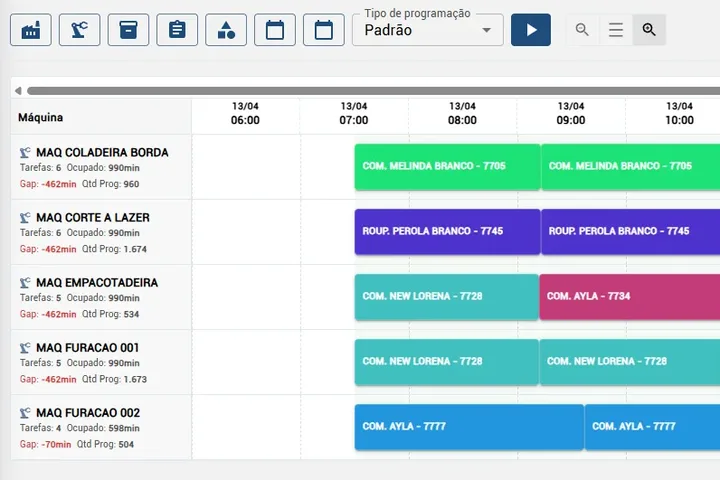
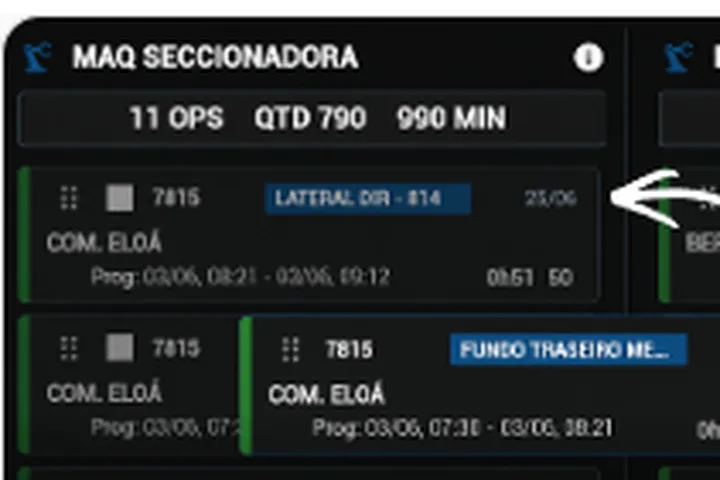
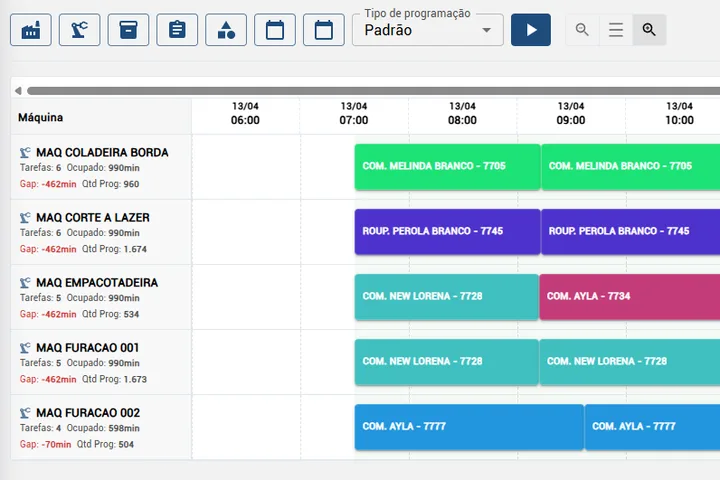
Scheduling puts operations in each machine’s queue, with expected start and end.
An order that finishes after its due date is flagged before it starts.
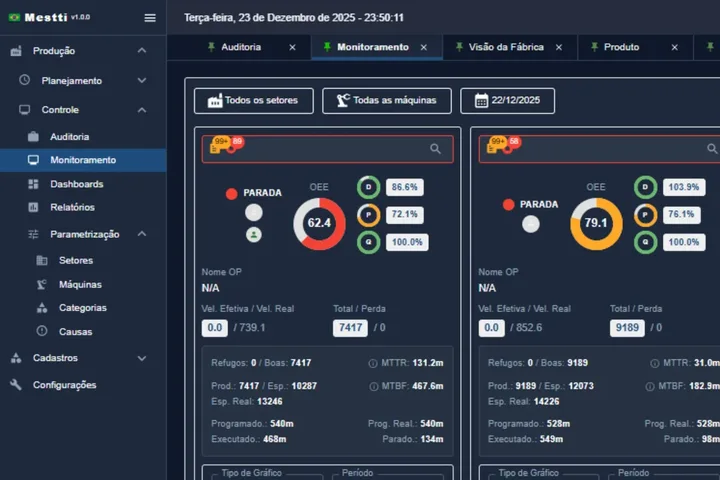
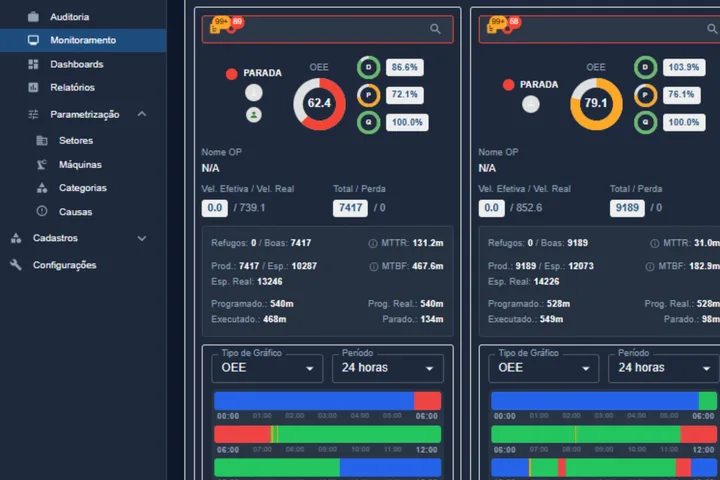
Actuals come from the sensor and the tablet, with no typing at the end of the shift.
Starts with one department, without dropping the spreadsheet on day one.
See how scheduling works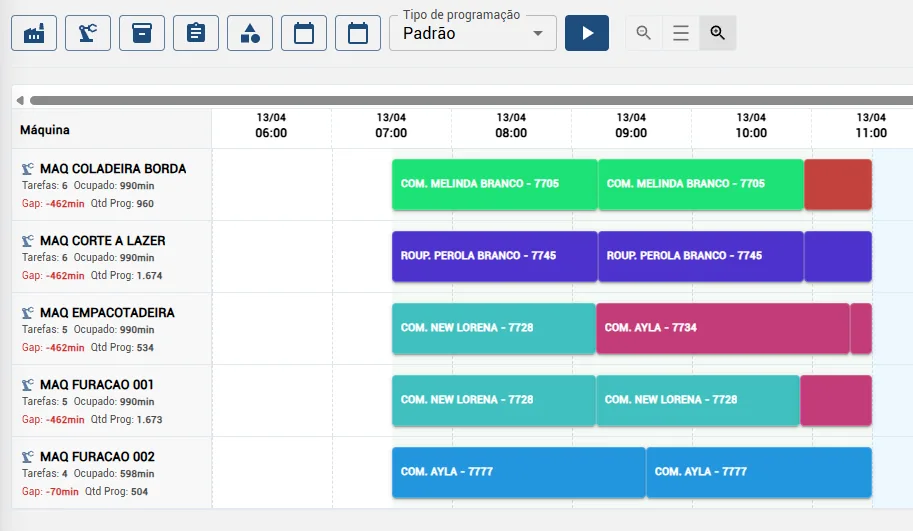
Questions about production planning
Are PCP and PPCP the same thing?
In practice, yes. PPCP just names scheduling explicitly. Both acronyms describe planning, scheduling and controlling production.
What is the difference between planning and an MES?
Planning is the area and the work of planning and controlling. The MES is the system that gives planning the execution data: what each machine produced, stopped and will delay.
Does Mestti replace the planner?
No. It gives planning the real queue of each machine and the progress of each order. Decisions stay with the team.
Can orders come from the ERP?
Yes. Production orders can come from the ERP and the reported production goes back to it.
Do I have to drop the spreadsheet on day one?
No. The usual path is to start with one department and use both until the team trusts the numbers.
Articles on this topic (in Portuguese)
Schedule by your machines’ real queue.
Leave your contact and we will schedule the demo at the best time for you.
1 week with the sensor on loan, at no cost.
Prefer to talk now? WhatsApp · (43) 99109-5035