

Shop-floor inspections and checklists
Prove what was inspected, by whom and when.
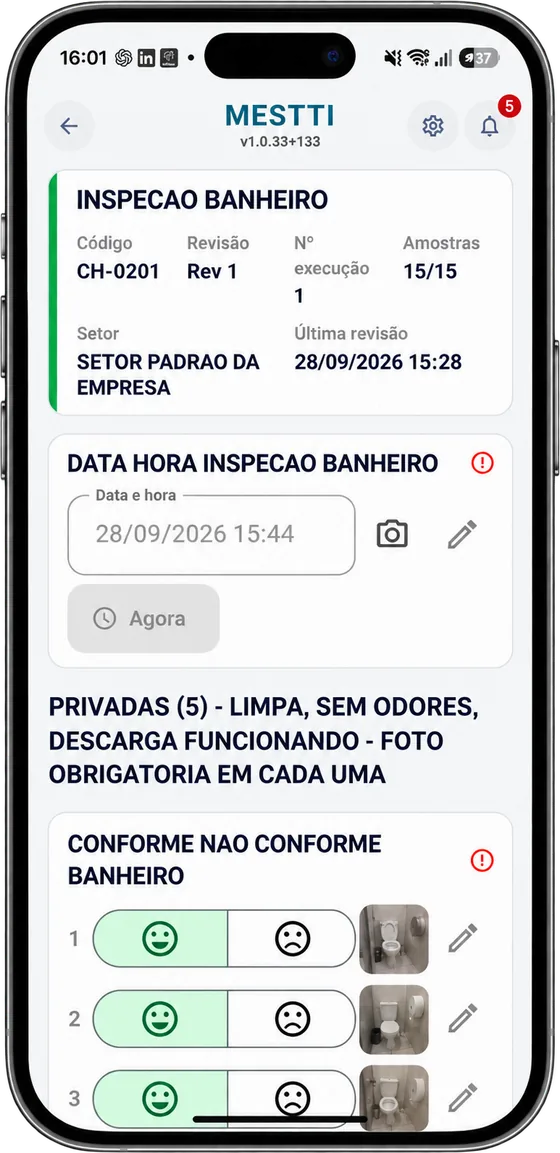
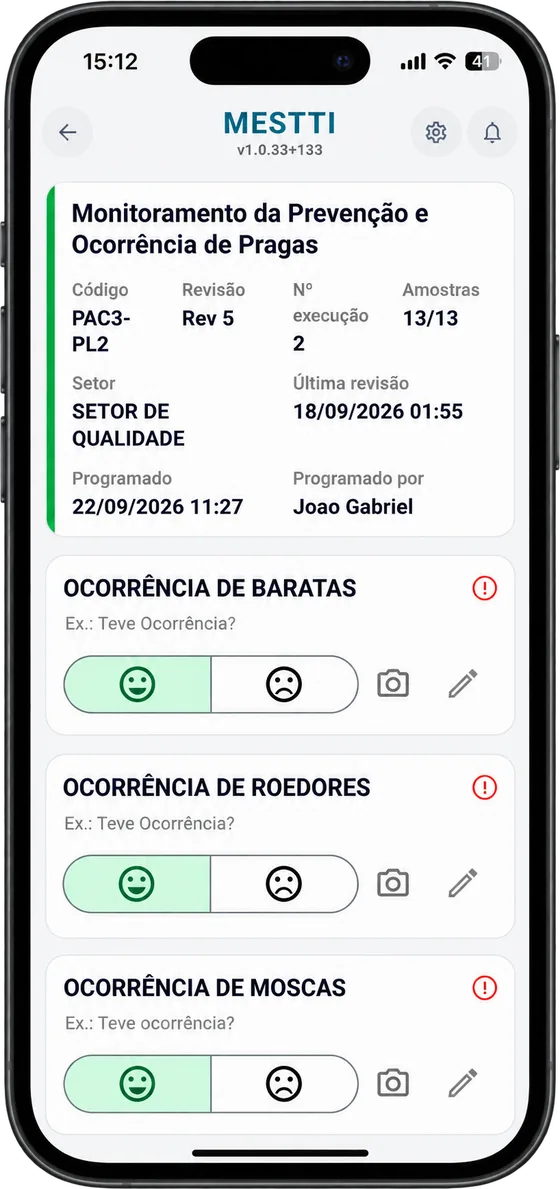
The inspector fills in the checklist on a phone, with photos, at the moment the rule says. Every record stays linked to the machine, the order and the document revision.
01 · Structure
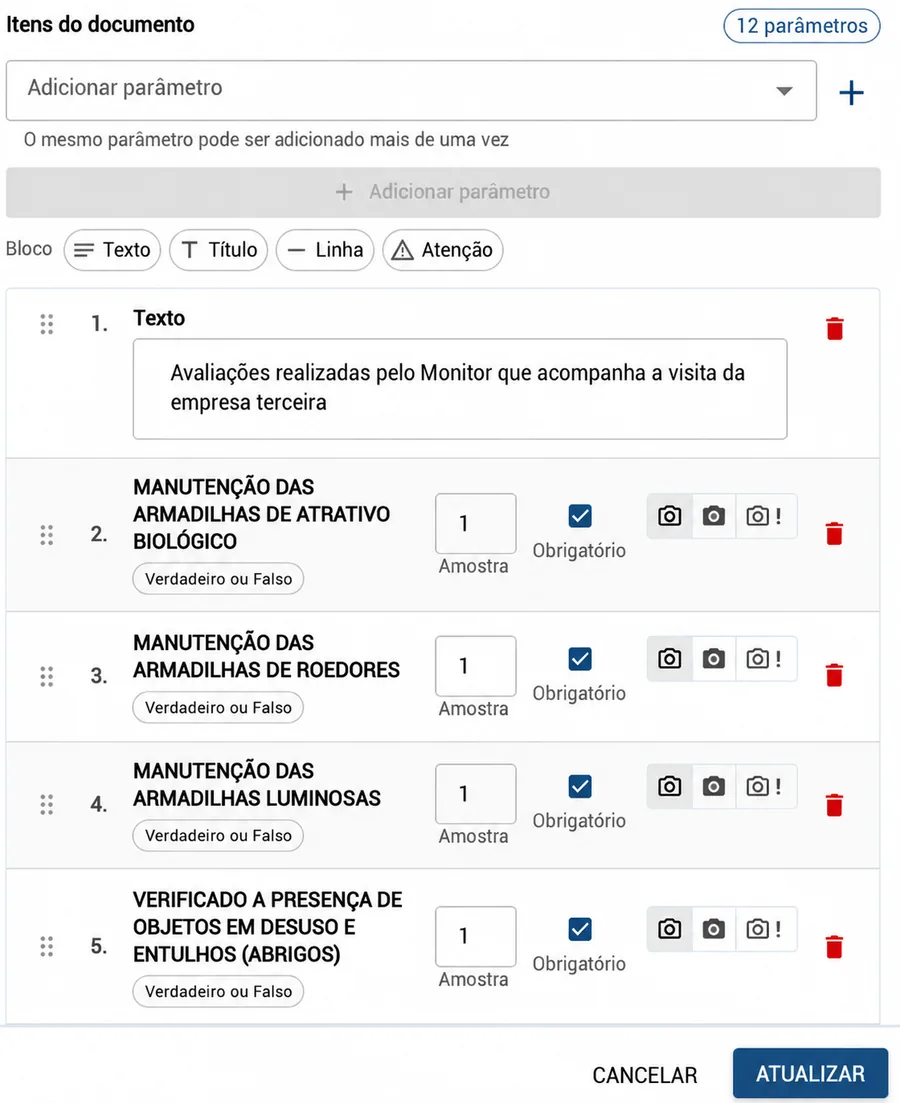
Your inspection standards become digital checklists.
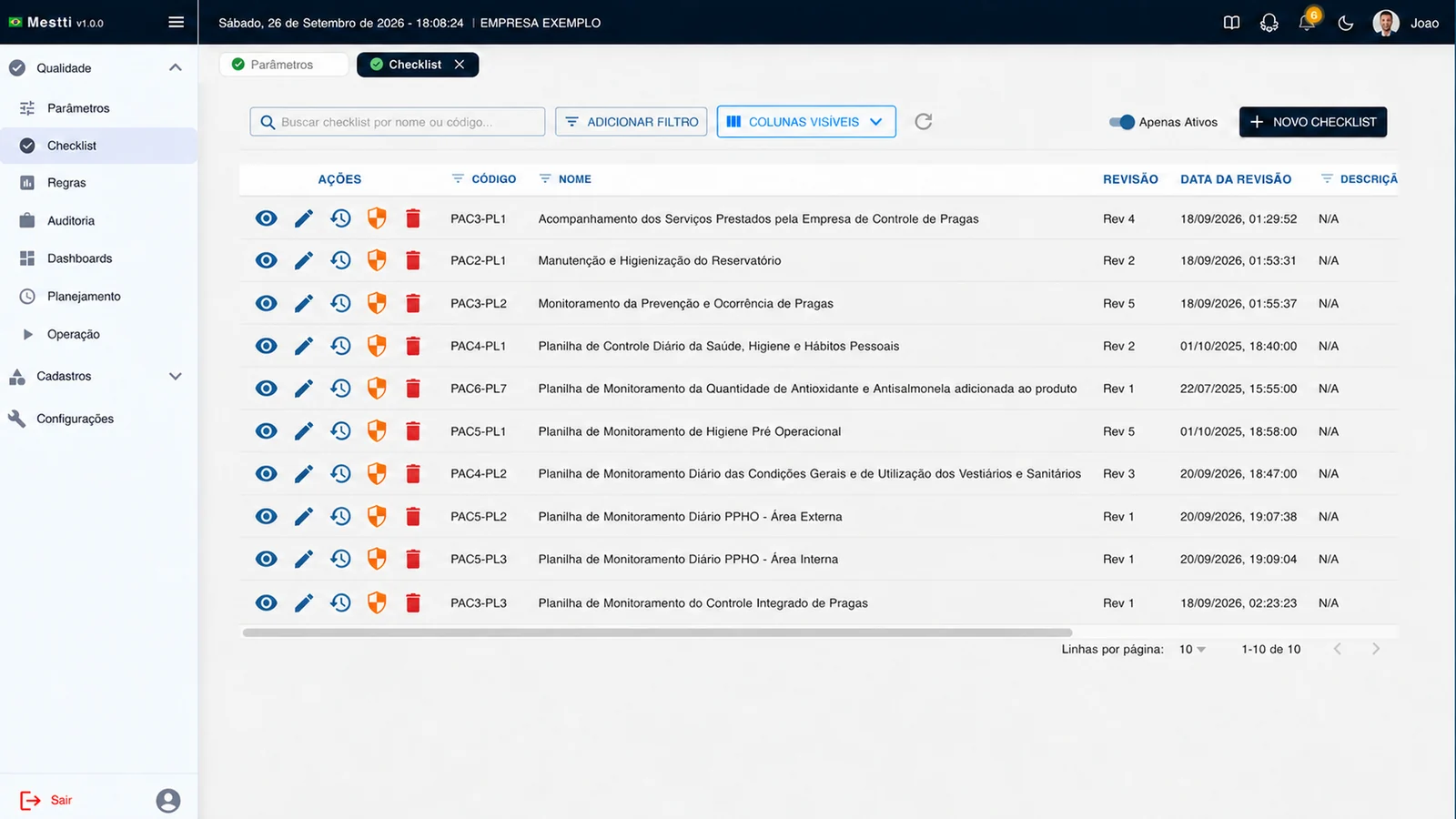
- One standard per processEach item sets the answer type, how many samples, whether it’s required and whether it needs a photo.
- Same revision as the documentRevision number and date match the factory document. If the content changes, the revision changes with it.
02 · Plan
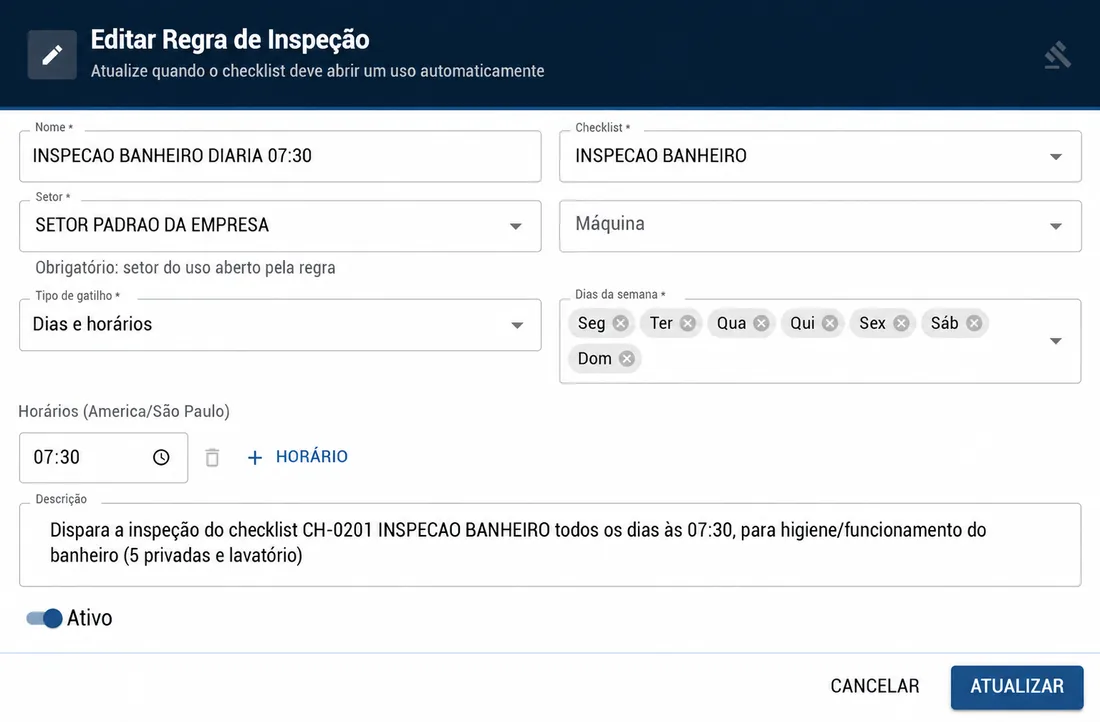
A rule decides when the inspection happens.
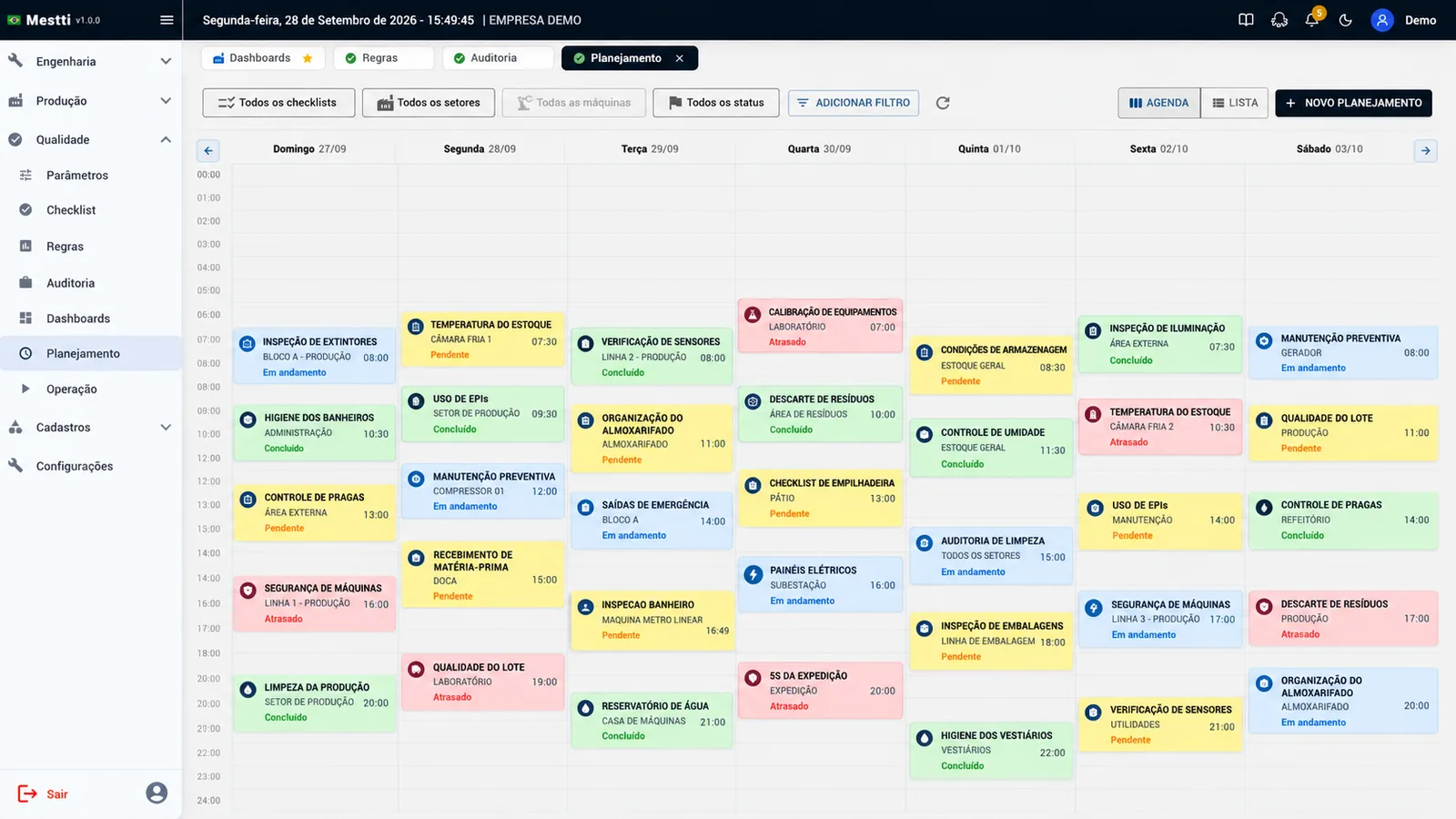
- Trigger ruleBy department or by machine, on set days and times. Nobody has to remember to open the checklist.
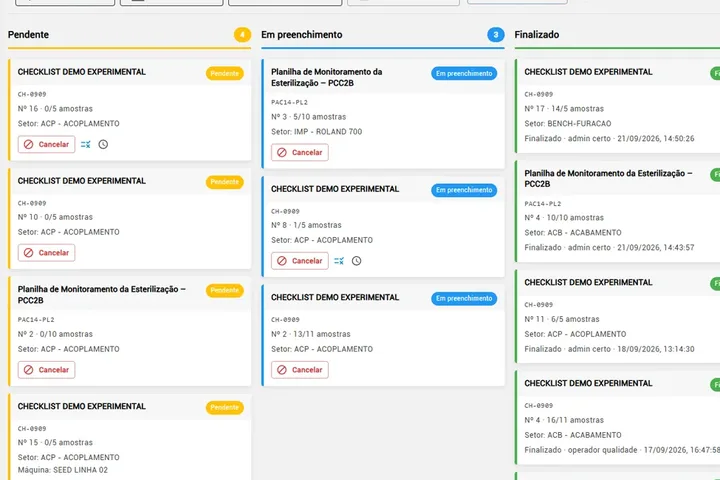
- Quality scheduleChecklist, department, machine and time in one schedule, showing what is pending, in progress, done or late.
03 · Execute
The inspection happens on the line, not later.
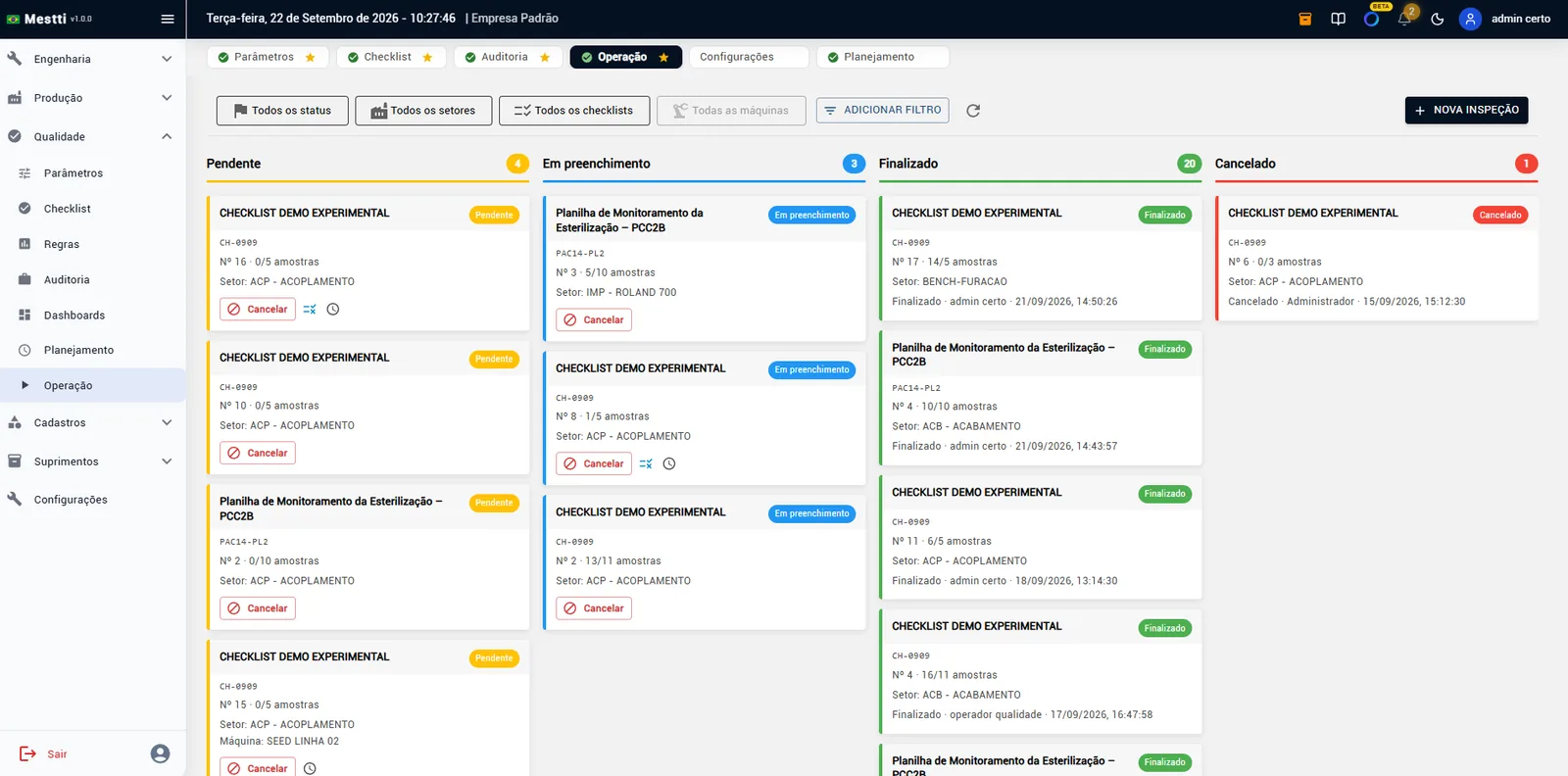
- On a phone or tabletThe inspector opens the scheduled checklist, answers item by item and takes the photo right there.
- No paper to type in laterThe app shows what’s still missing. The record carries the name, date and time of whoever did it.
04 · Verify
Know what’s going on without digging through paper.
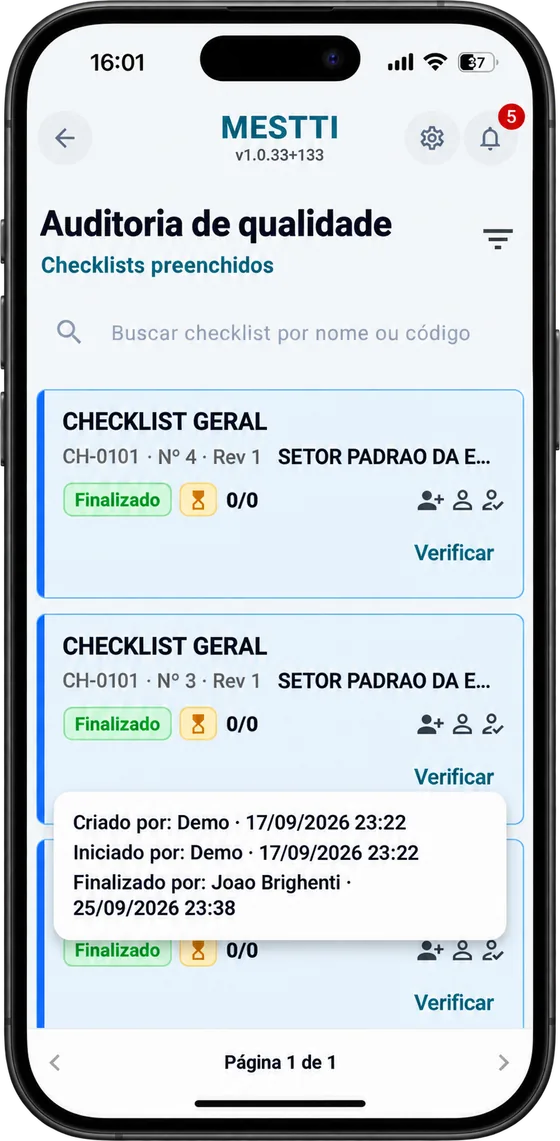
- VerificationWhen the checklist requires it, a verifier approves or sends back the result from their own phone.
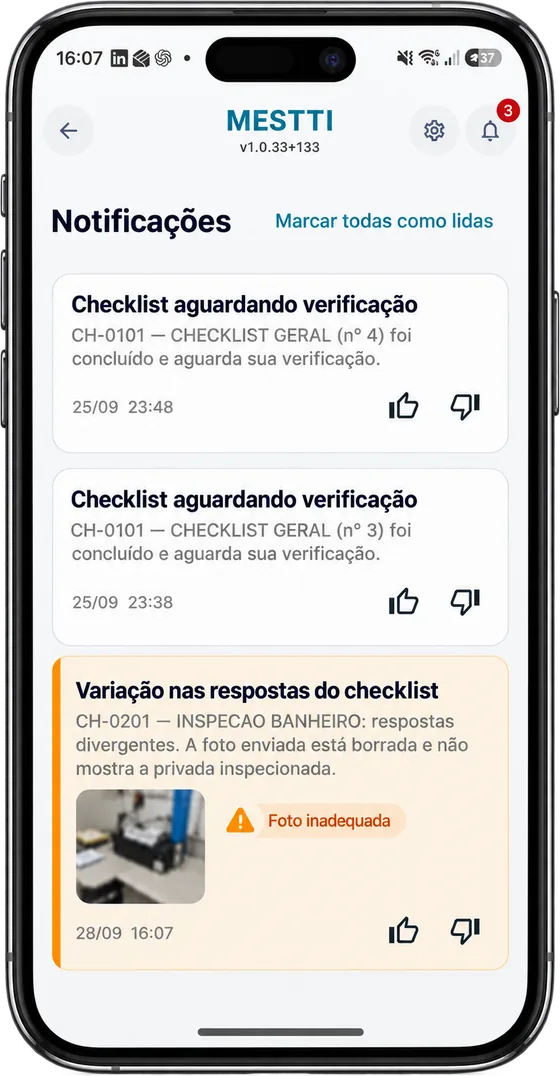
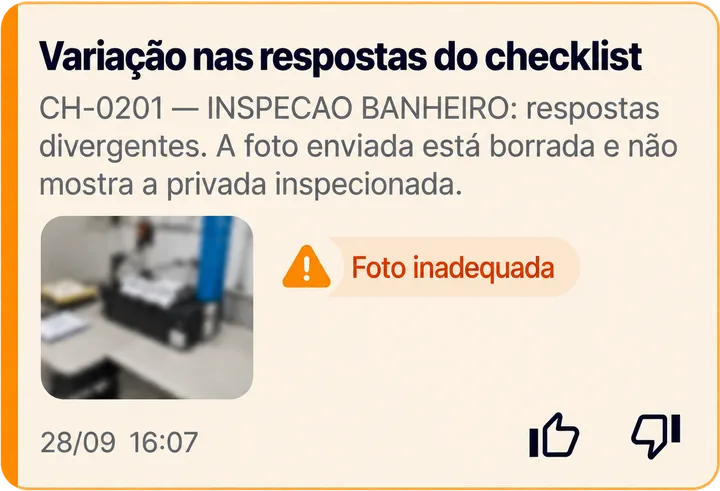
- Alerts on what needs attentionDiverging answers or a photo that doesn’t show the item become a notification for whoever manages it.
05 · Trace
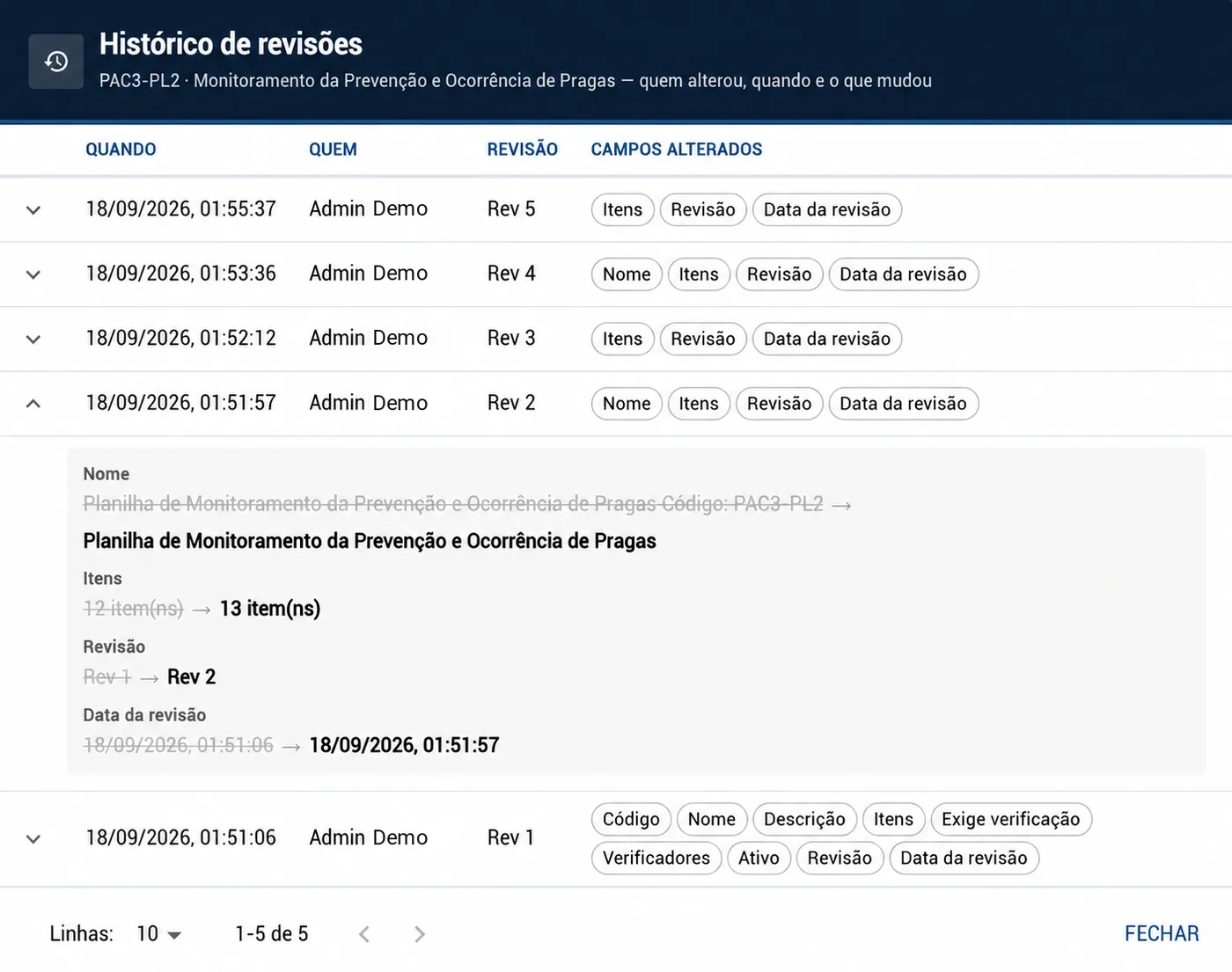
Every inspection leaves a history.
- Who, when and which revisionWho did it, when, where, with which checklist and revision, the values recorded and the result. Every change to the checklist is recorded too.
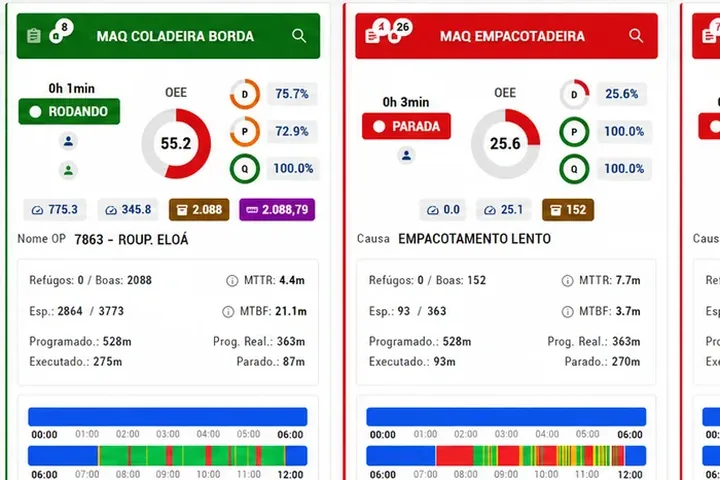
- Scrap that countsScrap and rework recorded as non-conformities count in the machine’s OEE.
More traceability for audits, problem investigation and continuous improvement.
Where to use it
One module for different operations.
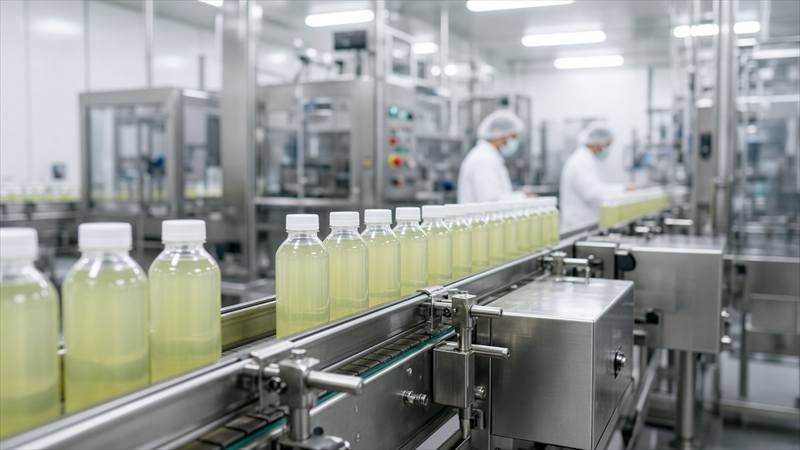
Food and beverage
Receiving, in-process and final product inspections, with history on the line.
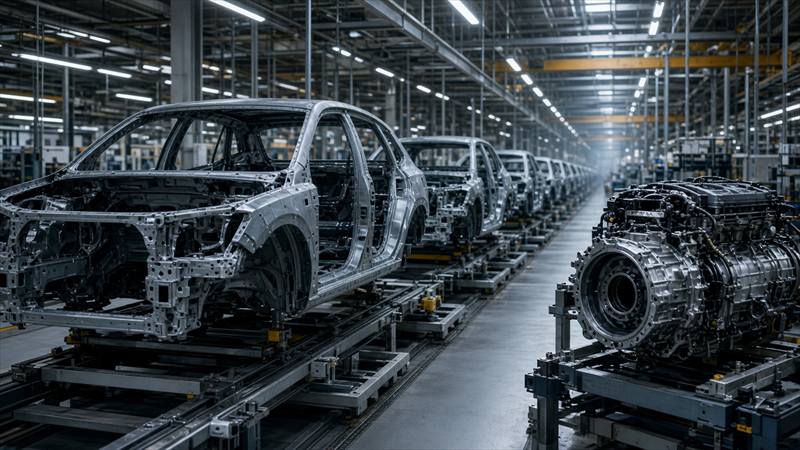
Automotive
Release, process and audit checklists tied to the production order.
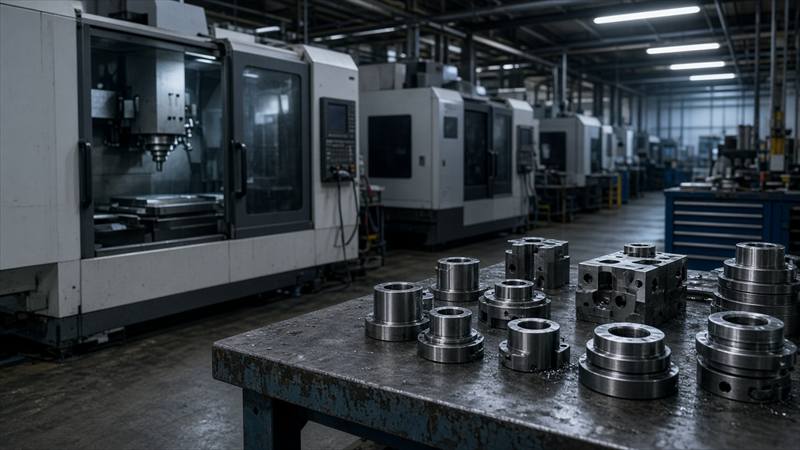
Metalworking
Process, machine and part checks recorded on the shop floor.
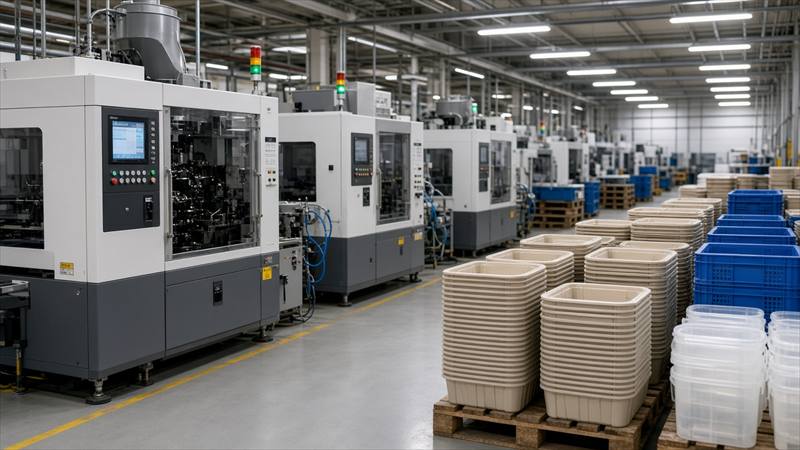
Plastics and packaging
Setup, process and quality control for each batch.

Pharma and cosmetics
Inspection, cleaning and release routines with traceability.
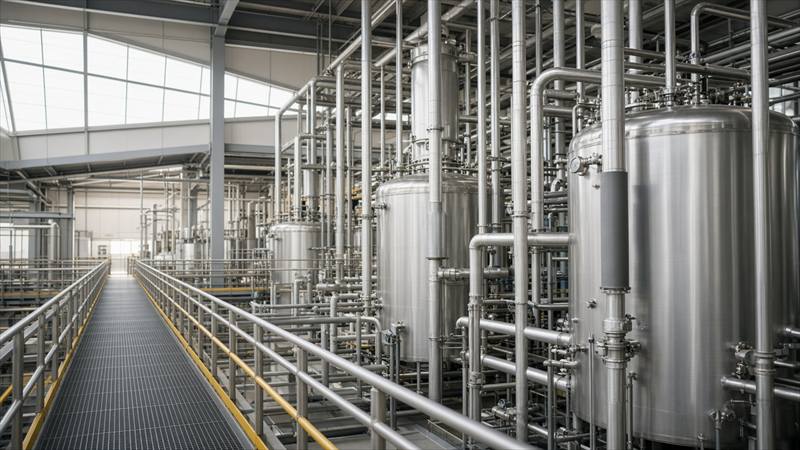
Chemicals
Process checks, release and good practices with an organized history.

Food service
Kitchen, receiving and output checklists.

Services
Inspection routines and execution standards, with the history of each job.

Retail
Receiving, store and product checks before anything reaches the customer.

Healthcare
Inspections, cleaning and good practices, recording who did what and when.

Hospitality
Area, cleaning and housekeeping checklists with an operating history.
Logistics
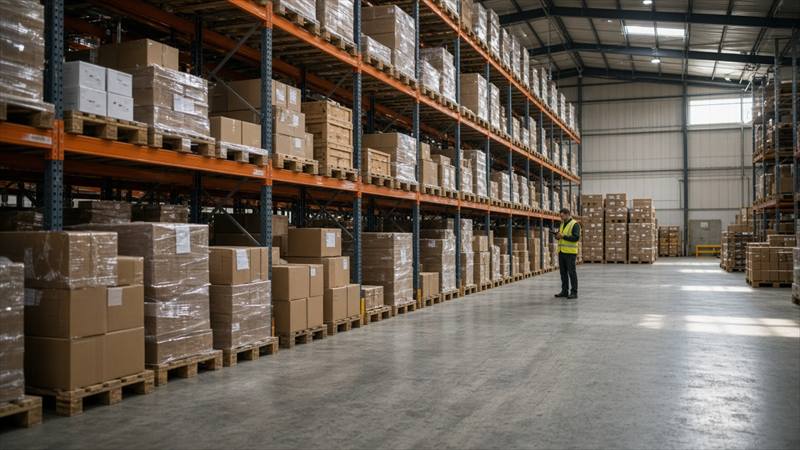
Receiving, shipping and load checks with an organized history.
What people ask about quality.
Can I use the paper checklists I already have?
Yes. The items are registered once, with the same revision number and date as the paper document, so the history matches your document control.
Does it work on the inspector’s phone?
Yes. The Mestti app runs on phones and tablets, with photos from the camera or the gallery and a reminder of what’s still missing.
Who decides when an inspection happens?
A rule set up by the quality team: by department or machine, on set days and times. The inspection shows up in the schedule and in the app of whoever will carry it out.
Is quality connected to production?
Yes. Inspections are linked to the machine and the order, and scrap and rework recorded as non-conformities count in the machine’s OEE.
Articles on this topic (in Portuguese)
Next time parts come back, have the answer in one click.
Leave your contact and we will schedule the demo at the best time for you.
Prefer to talk now? WhatsApp · (43) 99109-5035